Product Designer, Microsoft Hardware
Designed the complete user experience for a wireless digital photo frame—from hardware interaction to on-screen UI to remote control. The device connected to home networks to display photos from computers and online services.
The wireless photo frame was an early connected home device that allowed users to display their digital photos without cables or manual transfers. It connected to home WiFi networks and pulled photos from computers and online services automatically.
The design challenge was creating an experience simple enough for non-technical users while enabling powerful wireless connectivity features.
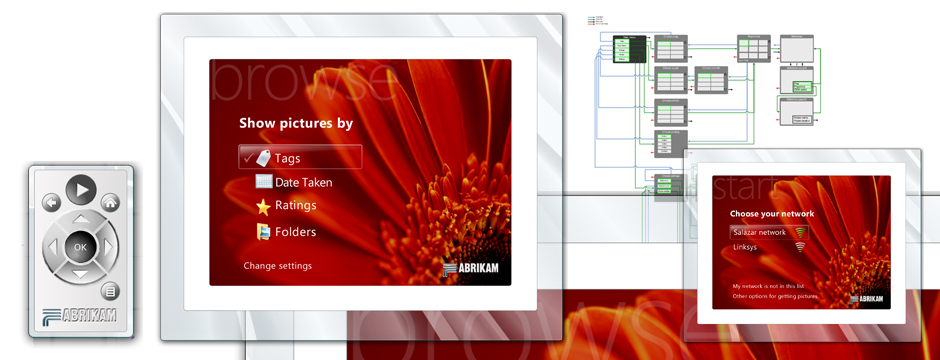
Designed the physical interaction model including the frame hardware and dedicated remote control.

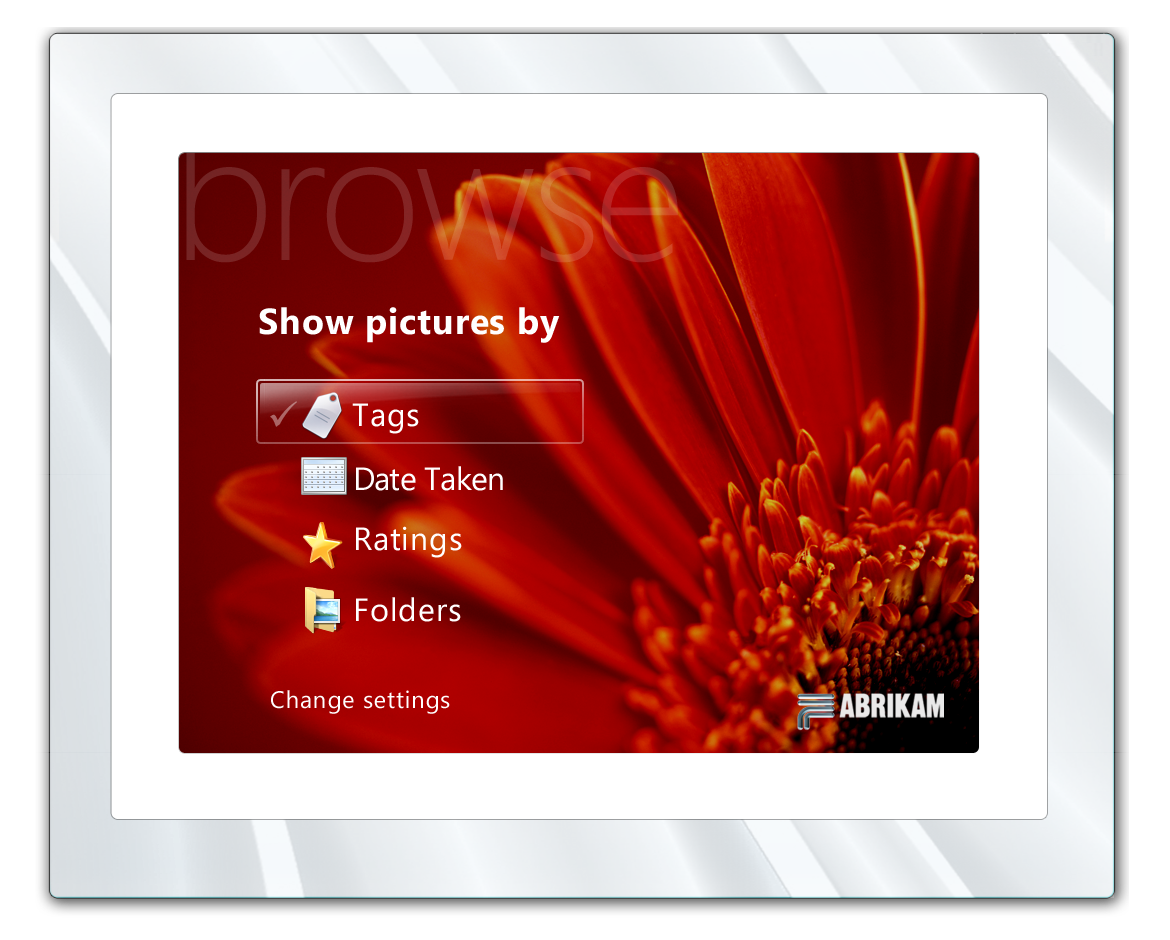
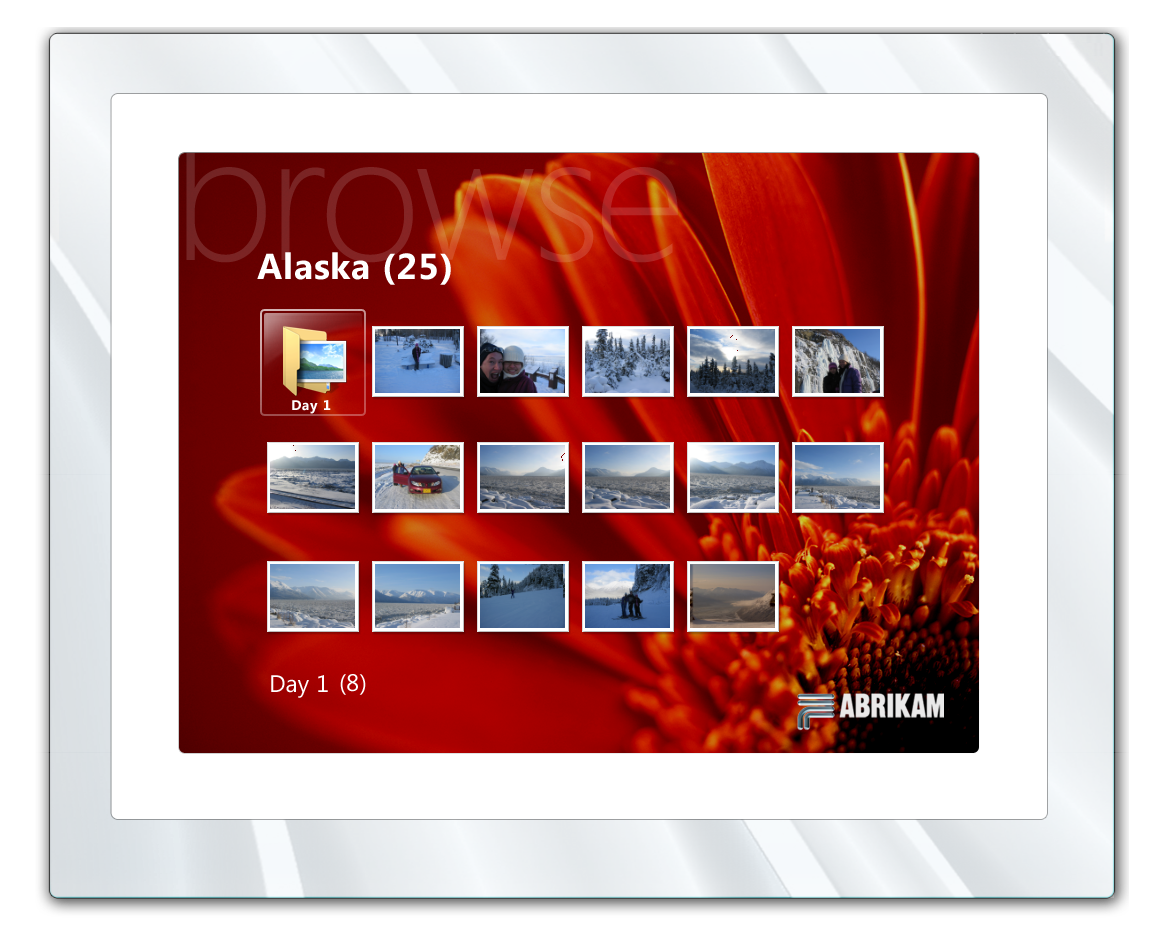
Created the on-screen user interface for browsing photos, configuring settings, and managing network connections.
Designed the WiFi setup experience to be simple and approachable for users who may not be familiar with network configuration.

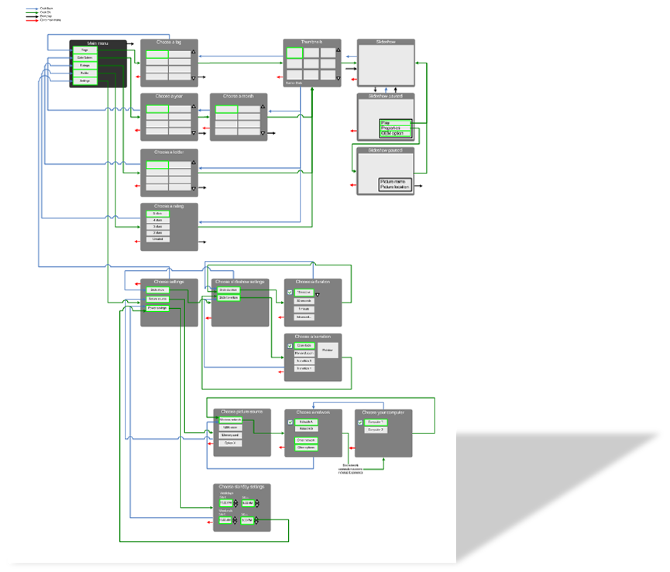
Developed comprehensive interaction flows mapping out all user journeys through the device.